
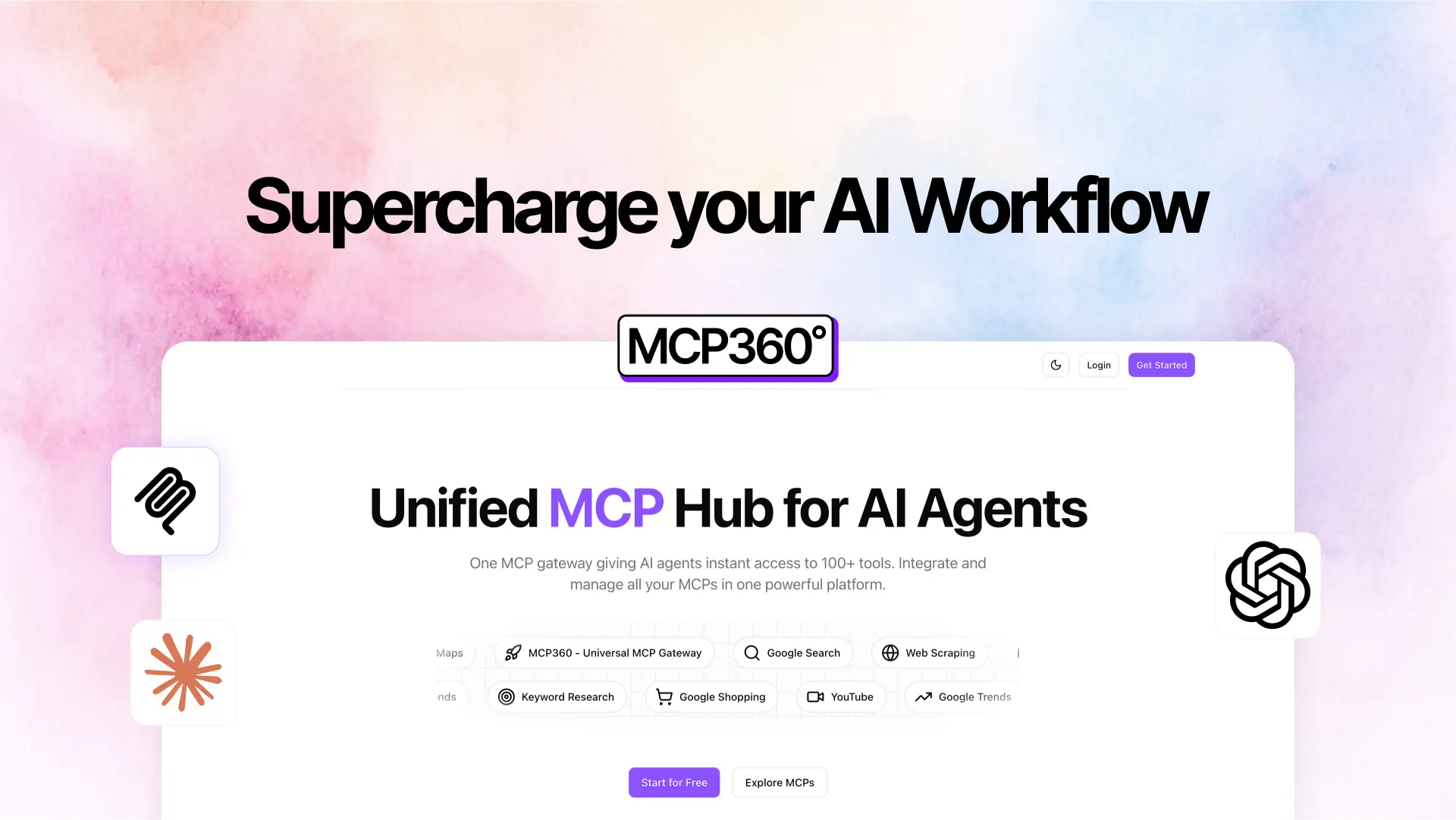
MCP360 – App Store for AI Agents
Learn how MCP360 simplifies AI agent development by providing one integration for over 100s tools – from web scraping and SEO to market research – streamlining workflows and reducing complexity.
MCP360 is a centralized MCP (Model Context Protocol) gateway designed to give AI agents access to a broad library of tools – all via a single integration. Rather than managing dozens of separate APIs, billing accounts, and authentications, developers and teams can connect once and immediately leverage more than 100 built-in services. The platform handles integration, updates, billing, and scaling, enabling agents to perform powerful tasks without heavy engineering overhead.
Key Features
MCP360 provides AI agents with instant access to a wide variety of tools: keyword research, web scraping, domain analysis, SEO audits, market research, Google Maps, Amazon product search, YouTube, and more. All are available via a unified MCP gateway.
Pre-Built Tool Library
The platform offers ready-to-use MCPs for common tasks, such as:
- Keyword Research: Discover high-value search terms and content opportunities.
- SERP & SEO Analysis: Track rankings, audit website structure, analyze backlinks, and more.
- Domain Tools: Perform WHOIS lookups, DNS checks, URL validation, and page analysis.
- Web Search & Scraping: Extract structured data or scrape content from various sources.
- E-commerce & Market Research: Gather product data, pricing trends, and competitive insights.
Simple, Fast Setup
You only need to copy one configuration line of code and integrate it into your AI client (such as Claude Desktop or any MCP-compatible agent). The setup is claimed to take just 2 minutes, drastically reducing engineering time.
Unified Billing & Authentication
With MCP360, you maintain a single account, a single authentication point, and a single monthly bill – even though you may be using dozens of different tools.
Automatic Updates & Scaling
As new MCP servers (tools) are added to the platform, they are included automatically in your account. You don’t need to continuously manage each tool separately.
Fast, Reliable Infrastructure
MCP360 claims high performance and stability, helping teams accelerate their AI workflows with reliability.
Use Cases
MCP360 enables several real-world applications for AI-driven agents:
- Competitor Price Tracker
Use an AI agent to monitor competitor pricing on e-commerce platforms (e.g., Amazon). When a price shifts, your agent sends comparison alerts or triggers workflows to adjust your own strategies. - Lead Verification & Reporting
Build agents that verify email lists, validate leads, and generate curated reports automatically within your workflows. - Domain Brainstorming
AI agents can suggest domain names, check their availability, analyze them for SEO potential, and help with domain-related decision making. - Smart Trip Planner
Create an AI that plans travel itineraries: it can suggest destinations, check hotel availability, and recommend activities based on real-time data. - Trending Content Generator
Use integrated keyword, scraping, and SEO tools to find trending topics, analyze competitor content, and generate first-drafts for blog posts or social media content.
What Makes MCP360 Different
- Single Gateway Advantage: Instead of juggling dozens of APIs, users get everything through one unified MCP.
- Pre-Built Integrations: The common tools are already configured and ready to go, saving development time.
- Scalable & Maintained: As MCP360 adds new tools, your agents immediately gain access without extra integration work.
- Cost and Billing Efficiency: One subscription, one invoice, one authentication — simplifies financial and technical complexity.
- Quick Deployment: Two-minute setup makes it highly attractive for developers who want to go from concept to working agent quickly.
Custom MCPs for Fully Flexible Integrations
MCP360 now includes the ability to create Custom MCPs, giving developers complete control to design their own tool servers and connect them with any agent platform. This means you can build private, specialized MCPs tailored to your own workflows and run them across ChatGPT, Claude, Cursor, Cline, or any MCP-compatible environment. Instead of relying only on the built-in library, teams can develop custom logic, connect proprietary APIs, automate internal systems, or build advanced workflows unique to their business. This flexibility turns MCP360 into both a plug-and-play hub and a powerful development layer, making it suitable for startups, agencies, and enterprises that need specialized automation beyond the default toolset.
Why Choose MCP360
If you’re building AI agents (for Claude, Cline, or other MCP-compatible clients), MCP360 can significantly speed up your development and lower operational burden. Instead of building and maintaining dozens of API connections, you plug into one platform that already has a large, growing library. This can unlock:
- Faster go-to-market for AI agents
- Reduced engineering overhead
- Lower API management risk
- Simplified billing and authentication
- A broad and evolving toolset for your AI workflows
For teams that rely on AI for research, automation, and decision support, MCP360 is a highly efficient solution to bridge the gap between agents and powerful external tools.
How MCP360 Works
- Sign Up & Configuration
- Create your account on MCP360.
- Copy the configuration line provided.
- Connect to Your AI Client
- Paste the configuration into your agent (such as Claude Desktop, Cline, or another MCP-compatible client).
- Select Tools (MCPs)
- Browse the MCPs directory and choose which tools (keyword research, scraping, etc.) you want your agent to access.
- Because MCP360 already has over 100 MCPs, you can unlock many capabilities without additional setup.
- Run & Automate
- With the configuration in place, your AI agent can immediately call any of the integrated tools as needed.
- You can build workflows (e.g., track competitor prices, perform SEO audits, generate content) powered by these tool calls.
- Monitor & Expand
- Use the dashboard (or console) of MCP360 to monitor usage, credit consumption, and tool access.
- As MCP360 adds new servers, you automatically gain access; no need to reconfigure your agent.
How to Reach MCP360
If you’d like to explore MCP360 further or get in touch with their team:
- Visit the official website: MCP360
- Use the contact or demo request options provided on their site to schedule a walkthrough or ask about pricing, integrations and support.
For AI Beast readers, due to our partnership and interest in powerful AI tools, there’s a special offer available to help you get started.
Special Discount for AI Beast Users
We’re pleased to share that MCP360 is offering an exclusive discount for the AI Beast community. If you mention “AI Beast referral” when you reach out, you can unlock discounted onboarding or a trial extension (terms vary – contact their team for full details). This offer provides a great opportunity to trial MCP360 with reduced risk and get hands-on experience before full commitment.
Have you used MCP360 in your organisation or are you considering it for your workflow automation? We’d love to hear your thoughts:
- What specific workflows would you automate with MCP360?
- What integrations are most important for you?
- Were there any challenges you faced during setup or adoption?
Please leave your experiences and questions in the comments below – your feedback helps others in the AI Beast community make more informed decisions.